

Why Employee GPS Tracking Fails On-Site (And How to Fix It)
Ensuring accurate proof of presence in 2026 is a daily challenge.
Between buddy punching, people sharing photos of the check-in QR code, and absenteeism, GPS tracking seems like the obvious solution to ensure employees are actually on-site when they say they are.
However, behind the promise of easy tracking lie major technical and human limitations that make GPS trackng one of the least-reliable ways of tracking employee presence on-site. Let's discover why.
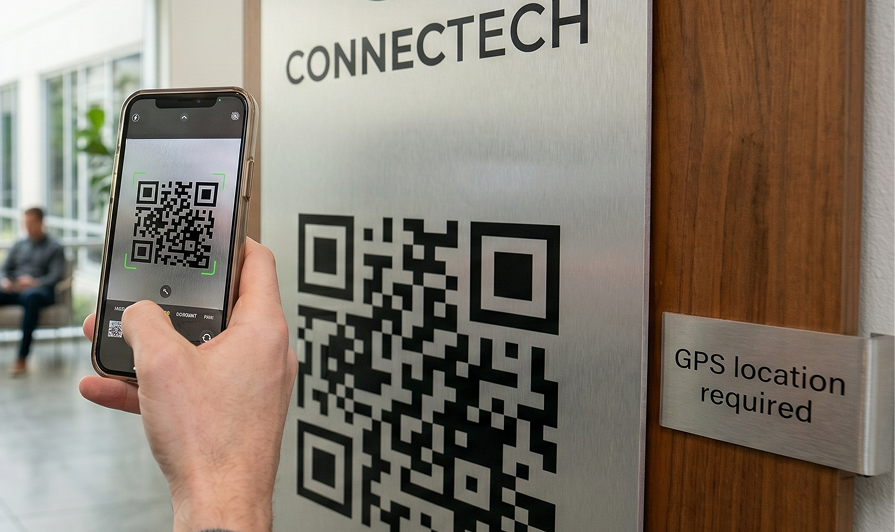
The Blind Spots of Employee GPS Tracking
The first obstacle to employee gps tracking is physical infrastructure. Satellite signals do not penetrate concrete and steel well. On-site, this creates significant blind spots that lead to inaccurate clock-ins.
For example:
- No vertical accuracy: GPS cannot distinguish between floors or rooms. A manager might see that an employee is at the building, but cannot verify if they are on the ground floor or the tenth floor.

- Too wide a perimeter: In dense urban areas, GPS accuracy can blur across adjacent buildings or streets, making it impossible to get accurate data.
- Privacy issues: Beyond tech, employee gps tracking raises serious privacy concerns that vary depending on where you are in the world. Plus, requiring continuous location permissions often feels intrusive to employees, which can resort to other methods of clocking in.
The Solution: Fixed Hardware, But Moving Data
At Taqt, we believe that on-site tracking should make employees’ work visible, not spy on them. Which is why we solve the GPS tracking debacle by… not using GPS location to track employees’ presence.
We designed autonomous, self-contained devices especially for on-site teams that don't feel intrusive for teams, but still allow managers to get an accurate reading of who was on-site, and when.

The secret? Using fixed hardware linked to a specific location, so that the device itself guarantees the employee’s presence on-site.
TaqtOne
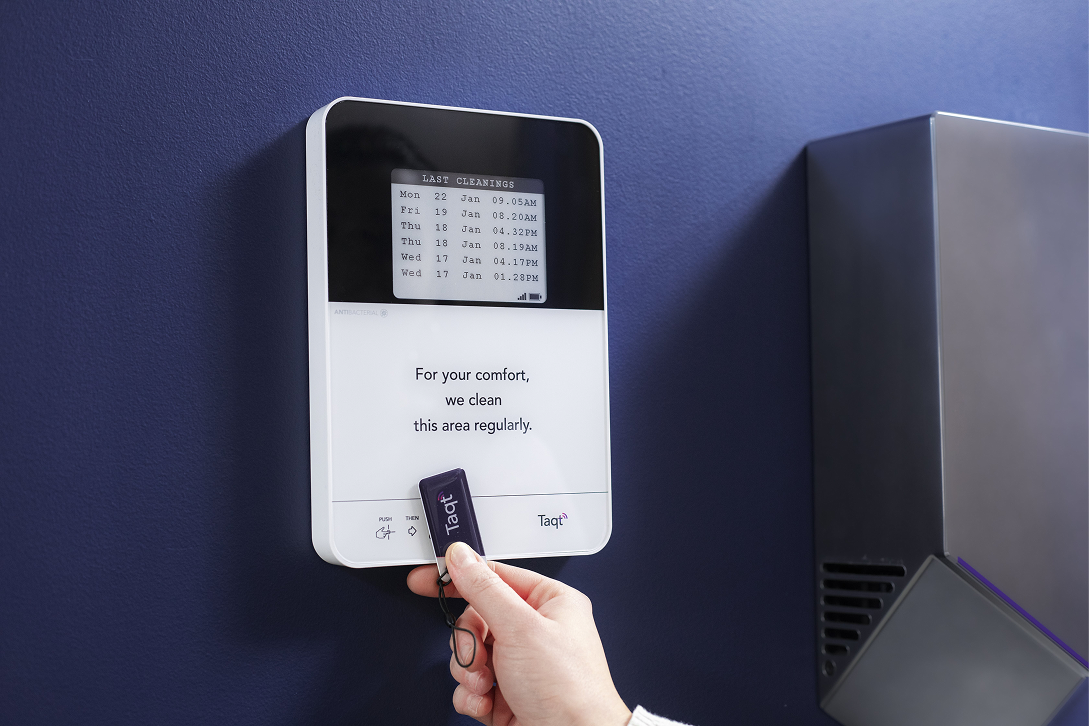
A wireless, battery-powered device with an e-paper screen. The data is instantly sent to your software. And, since your TaqtOne is installed in a specific location, there’s no need for GPS tracking: your employee has to be in front of the device to clock in.
How it works: Employees simply badge in using an NFC tag to clock in, out, or validate a task instantly.
SafeQod
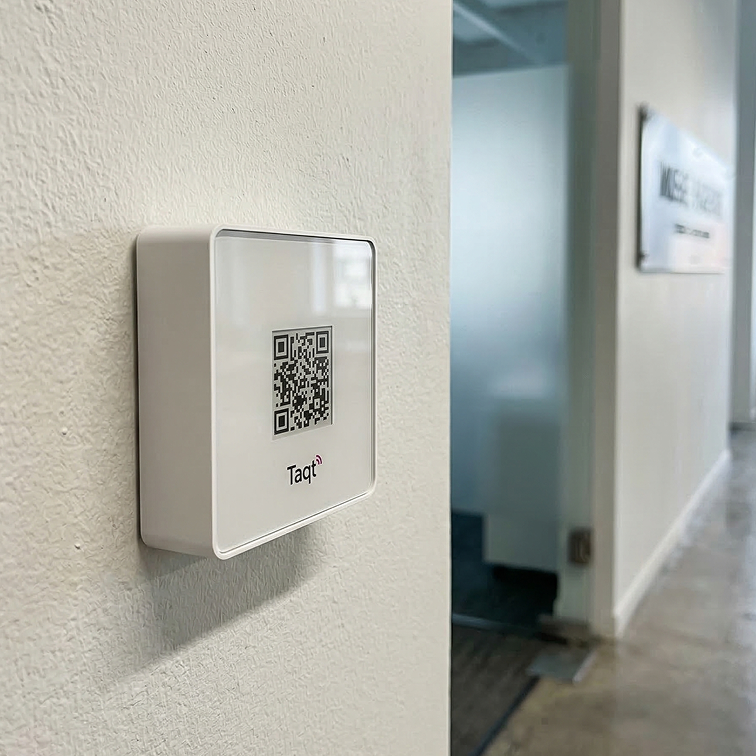
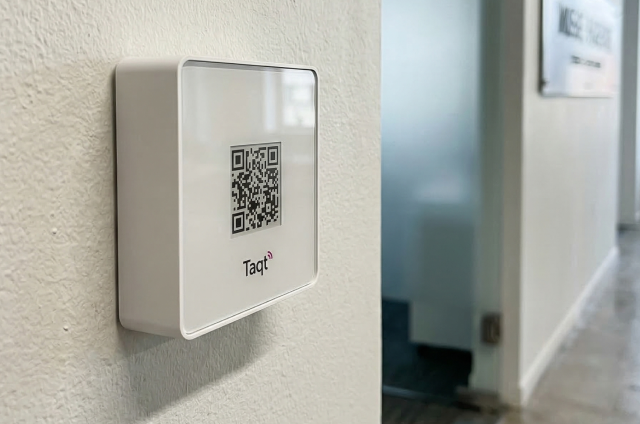
Traditional QR codes are easy to spoof with a photo taken from home (this is also known as “buddy punching”). SafeQod is a connected device that displays a rolling QR code on an e-paper screen that updates every ten minutes. Once the QR code changes, the previous one becomes invalid.
How it works: employees simply scan the QR code with their smartphone and validate their presence, no GPS location needed.
Both of these solutions are available at www.ubiqod.com - simply create and account and get 100 free credits to test them!
Data that travels wherever you need it to
With SafeQod, employees just scan a QR code with their smartphone and validate their presence.
With TaqtOne, employees simply tap and place their badge on the device to clock in or out.
But, what do you do with the data you just captured through those devices?
You have a couple of options:
- View them as raw data on our built-in “View module”: you can link your data, employee ID and tracker location to “View”, our built-in visualization tool. You can filter out your data, see all of your sites or just one at a glance, know who clocked in but did not clock out, and export them to a .csv format.
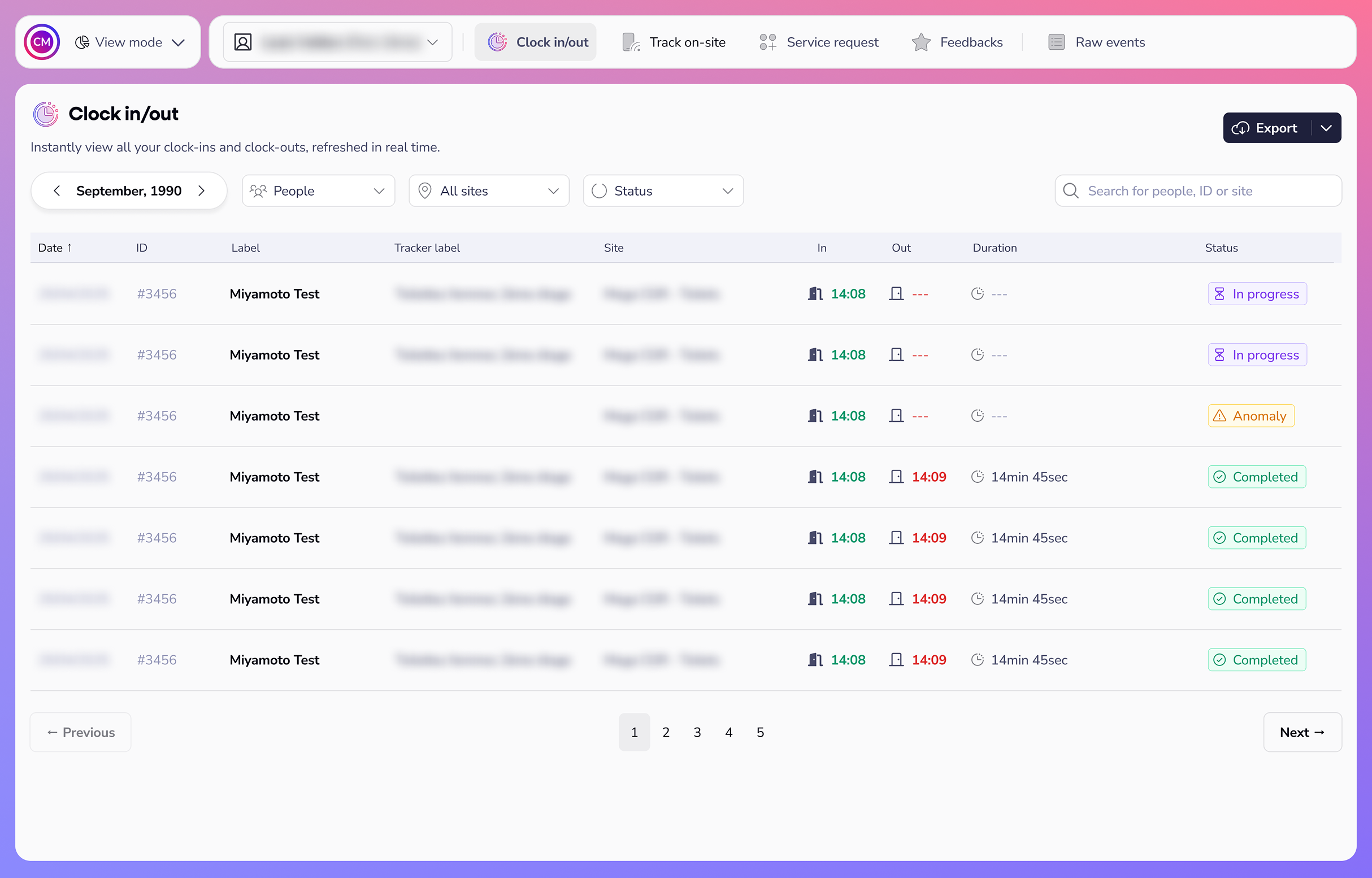
- Send it to a tool you already use: we provide webhooks that allow you to send data to tons of different everyday software like Zapier, monday.com, Google Sheets, and Power Automate - and fill forms or tables automatically.

And if you’re not sure of what tools to use yet, we just launched our Partner Marketplace: an ecosystem of the leading software on the market that will help you turn your raw data into valuable, actionable insights.
By choosing open hardware over employee gps tracking, you eliminate tracking errors while bringing dignity and recognition to your team. Try Ubiqod today and discover hassle-free employee tracking.
