

Proof of Presence: How to Prevent Clock-In Fraud on Site

In cleaning, security, maintenance or hospitality, knowing who was on site, where and when is the foundation of trust between a service provider and its client. Yet paper logs, standard QR codes and smartphone GPS are all easy to get around, sometimes without anyone noticing.
There is no single magic fix for clock-in fraud. Reliable proof of presence comes from stacking the right layers of protection for each site, depending on its level of risk. This guide covers the most common ways people get around clock-in systems, and the measures available to close each gap.
What is proof of presence?
Proof of presence is a timestamped, verifiable record showing that a specific person was physically at a specific place at a specific time. For it to be worth anything, it must be impossible (or at least very difficult) to create a valid record without actually being on site.
It is the backbone of proof of service for cleaning companies, of patrol records for security firms, and of accurate time and attendance for any team working on several sites.
5 common ways to get around a clock-in system
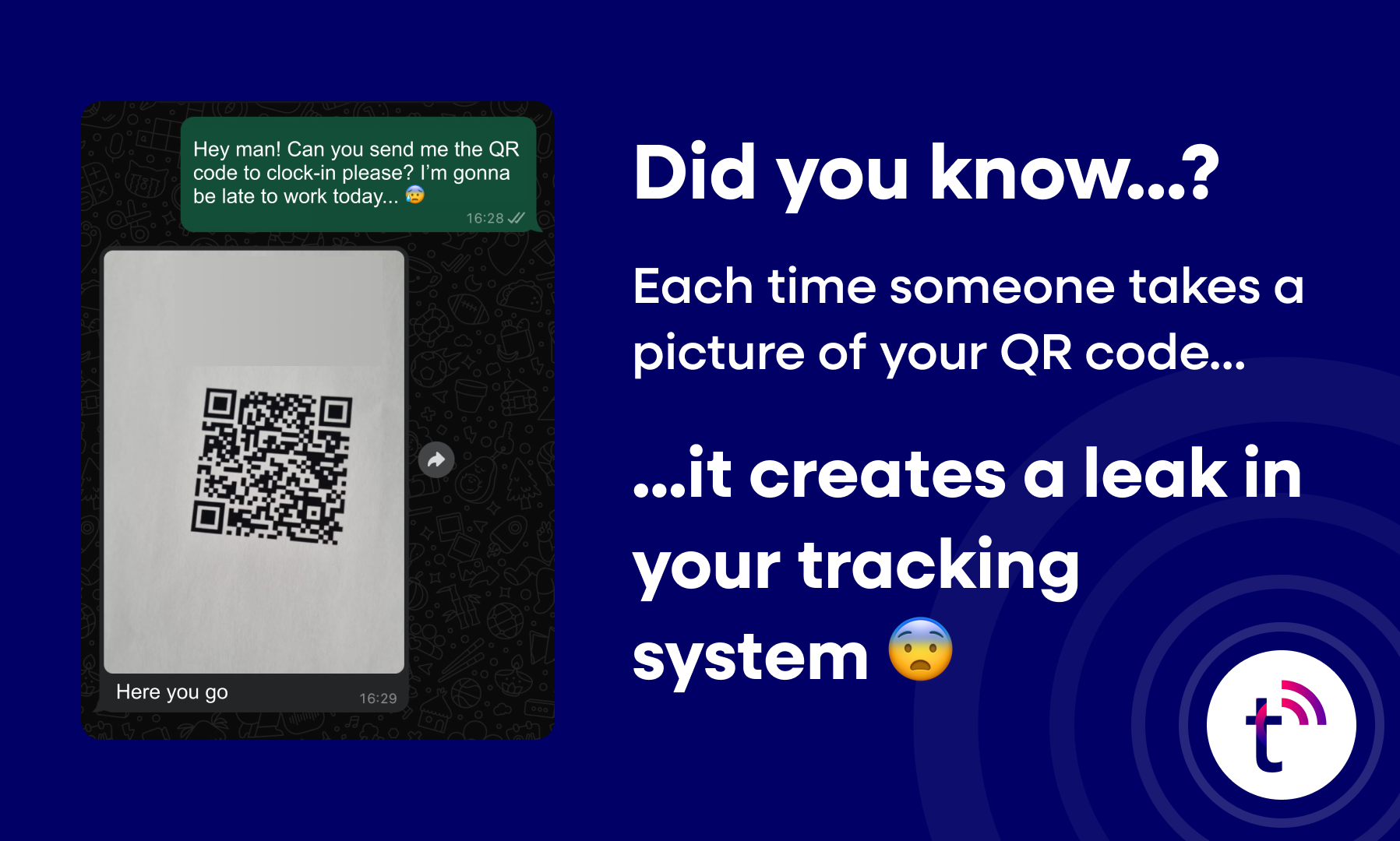
- Sharing a photo of the QR code: a printed QR code never changes, so a picture taken once can be used from anywhere, at any time.
- Clocking in for someone else (also known as buddy punching): using a colleague's badge, PIN code or phone to record their arrival.
- Scanning now, submitting later: scanning a valid code on site, then waiting before sending the clock-in form to gain a few minutes.
- Real-time code sharing: on sites where several people work at the same time, a colleague who is there sends a fresh picture of the code to someone who is not. It is rare and requires deliberate coordination, but it happens.
- Filling in paper logs after the fact: the classic end-of-shift signature for a round that was never done.
Level 1: make physical presence mandatory
The first layer is to tie each clock-in to a device installed at a precise location, so that a valid record can only be created in front of it.
TaqtOne: an NFC badge on a fixed device
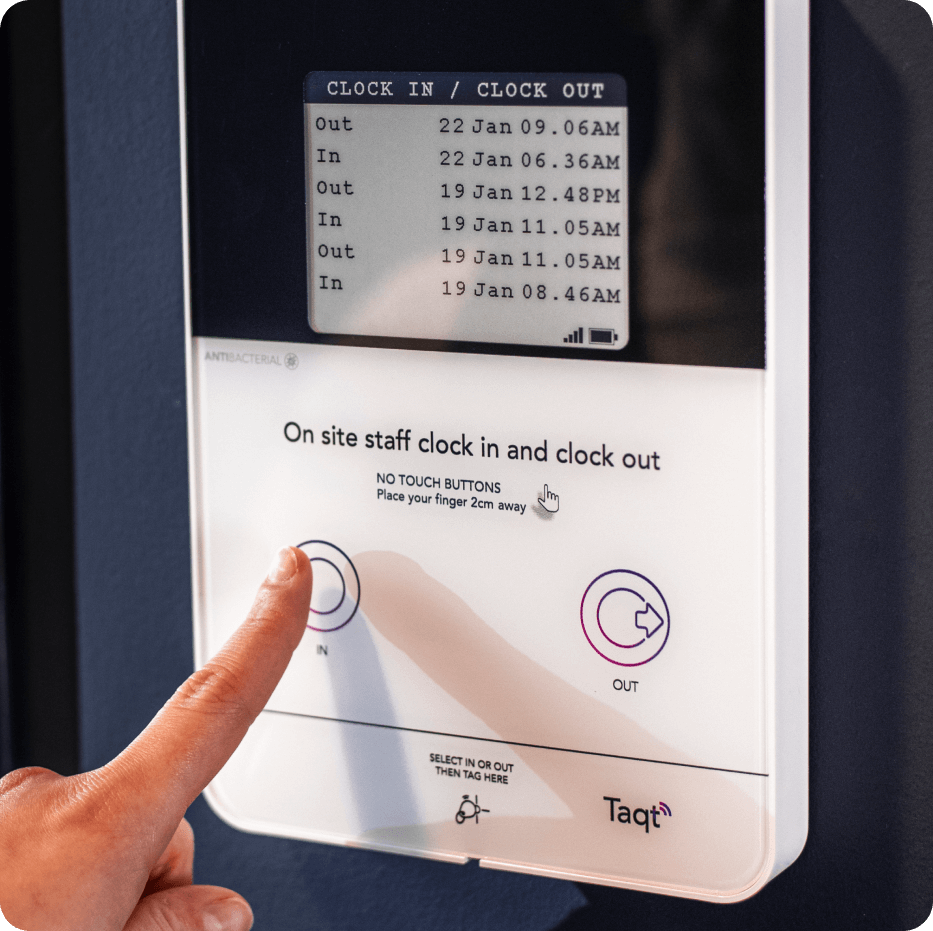
TaqtOne is a wireless device that sticks to the wall in minutes. Agents tap their NFC badge on it to record their passage, either by name or anonymously. It runs on batteries (2 to 8 years depending on use) and has its own low-power cellular connectivity: no Wi-Fi, no cables, and no smartphone needed for the agent. Its screen displays the latest visits, which also reassures occupants.
SafeQod: a QR code that changes every 10 minutes
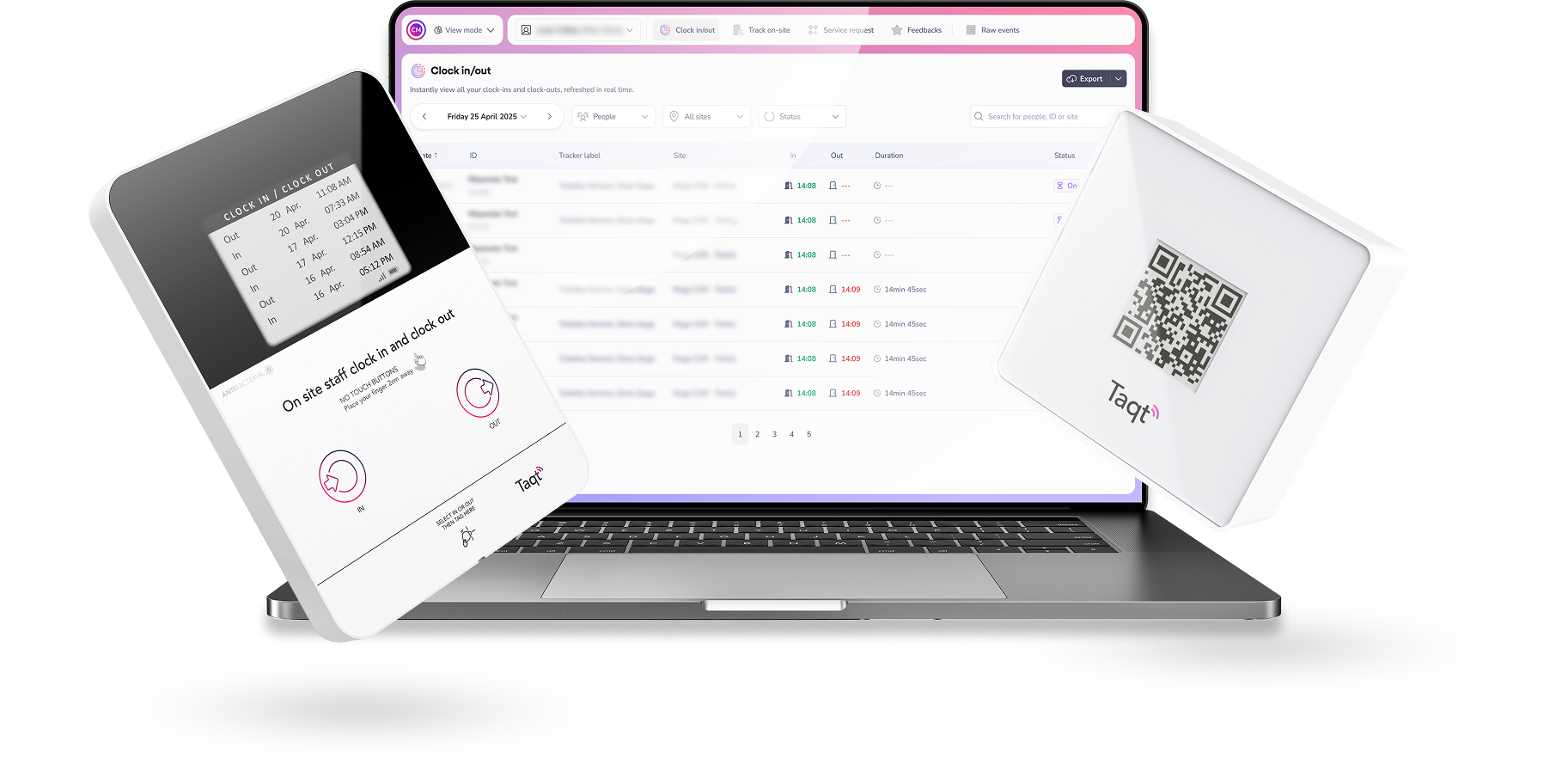
SafeQod is a battery-powered device with an e-paper screen that displays a QR code renewed every 10 minutes. Agents scan it with their own smartphone camera, with no app to install, and the Ubiqod platform checks that the code is still valid at the time of the scan. A photo taken earlier, or sent from home, simply does not work. SafeQod is waterproof, so it can also be used outdoors. Below 5 °C (41 °F), its e-paper screen pauses until the temperature rises again.

Level 2: close the loopholes of QR code clock-ins
Once presence is tied to a device, a few settings in Ubiqod close the most common workarounds of smartphone-based clock-ins.
- New: a time limit between scan and submission. You can set how many minutes users have to submit their clock-in form after scanning the SafeQod. Once the time has expired, the form is no longer valid. No more scanning on arrival and validating an hour later. See how to enable it.
- Smartphone association: each agent's phone is linked to their identity. Clocking in for someone else then requires their personal phone, which is far less transferable than a badge or a code. (This option should be turned off when one phone is shared by several people.) Learn more.
- PIN codes and personal QR badges: agents identify themselves with a personal code or by scanning their own QR badge, which also speeds up data entry.
Level 3: reinforce high-risk sites
On sites with many agents working at the same time, or where proof of presence carries high contractual stakes, you can add further layers.
- Random photo of the surroundings: at random intervals, the clock-in form asks the agent to take a picture of their environment. Someone who is not on site cannot provide it. Taking photos of the employees themselves is also possible, but it is subject to strict data protection rules in some countries, including France: check the regulations that apply to you first.
- Geofencing, as a complement: the form checks that the smartphone is within a defined radius of the site, with the user's consent. GPS cannot tell floors apart and raises privacy concerns, so it should never be the only proof. Here's why GPS alone isn't enough.
- Kiosk mode: an Android smartphone becomes a clock-in kiosk, either mounted on the wall or carried by a supervisor (a security guard or a hotel housekeeper, for example) who scans each employee's personal QR badge. It also works over Wi-Fi, where the mobile network is too weak for a TaqtOne.
Level 4: turn clock-ins into usable proof
Proof of presence is only useful if you can access it, share it with clients and act on it.
- Real-time data: every clock-in is timestamped and visible in View, Ubiqod's visualization module, or sent straight to the tools you already use (Google Sheets, monday.com, Zapier, Make, Power Automate).
- Only trusted data: connector filters let you forward only clock-ins confirmed by a recognized badge or code.
- Alerts, reports and billing: Ubiqod connects to the solutions of our partners to trigger alerts on missed rounds, build client reports or feed your payroll and billing.
Which level of protection for which site?
- Single-agent site (office, small retail outlet): SafeQod with a scan validation time limit, or TaqtOne if agents do not use their own phone.
- Multi-agent site (airport, hospital, shopping mall): TaqtOne with nominative badges, or SafeQod combined with smartphone association and random photos of the surroundings.
- Outdoor or harsh environment: SafeQod, which is waterproof (below 5 °C, its screen pauses until it warms up). NFC tags read by smartphone are also available as an alternative.
- Crews moving between sites, or temporary sites: SafeQod runs on batteries and moves with the crew. See our guide to portable time clocks.
- Hotels and supervised teams: kiosk mode, with a supervisor scanning each employee's badge.
- High contractual stakes: combine several layers and send only authenticated clock-ins to your tools.
FAQ
Is a standard QR code enough as proof of presence?
No. A printed QR code never changes, so a photo of it can be used from anywhere. A rotating QR code such as SafeQod, combined with a scan validation time limit, makes remote clock-ins ineffective. Read more about secure QR codes.
Is GPS tracking a reliable proof of presence?
Not on its own: it is imprecise indoors, cannot tell floors apart and raises privacy concerns. It can be a useful complement (geofencing), but a fixed device remains the most reliable proof.
Can my agents clock in without a smartphone?
Yes. With TaqtOne, agents only need an NFC badge. With kiosk mode, a single smartphone handled by a supervisor or mounted on the wall is enough for the whole team.
Can I take photos of employees when they clock in?
It depends on the country. Photos of the surroundings are a good alternative, as they prove presence on site without identifying the person. Always check the data protection rules that apply to you.
Where does the clock-in data go?
Into Ubiqod, where you can view and export it, and into the tools of your choice through native connectors or the solutions of our partners.
Reliable proof of presence protects everyone: clients get clear evidence of the work done, managers stop chasing information, and honest agents no longer have to justify themselves.
